Tiny native shell
~2 MB C++ app. No Electron, no bundled engine. On Windows it renders with Chromium via Microsoft Edge WebView2; on Linux with the system WebKitGTK engine. Same ad blocker, same pages, same settings.
 Light Browser
A ~2 MB native browser for Windows and Linux, on the web engine your system already has: Chromium via WebView2 on Windows, WebKitGTK on Linux. Auto-updating ad blocker with EasyList element hiding that skips YouTube ads, tab sleeping, lazy session restore, end-to-end-encrypted sync, one-click import from other browsers.
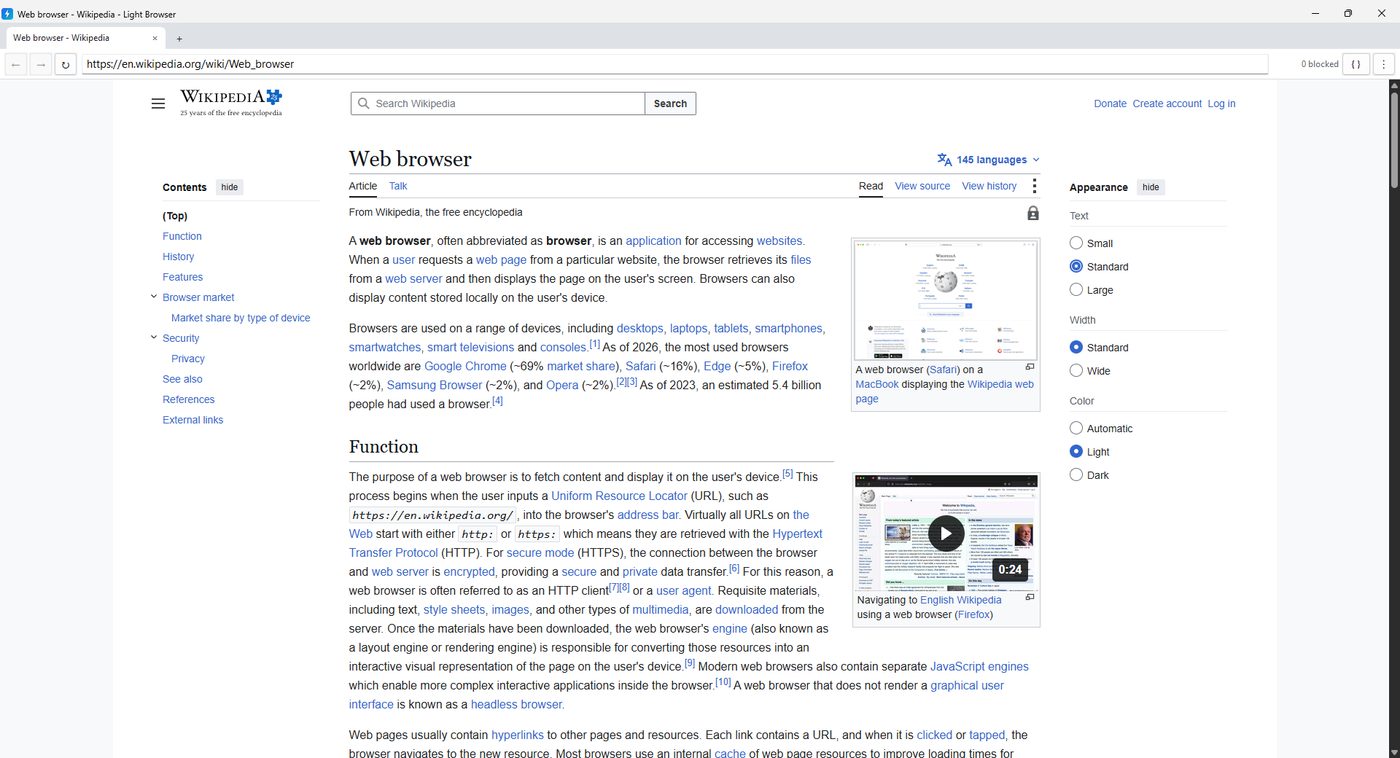
~2 MB C++ app. No Electron, no bundled engine. On Windows it renders with Chromium via Microsoft Edge WebView2; on Linux with the system WebKitGTK engine. Same ad blocker, same pages, same settings.
A native GTK4 + libadwaita build, 800 KB. Install the .deb on Ubuntu or Debian, or unpack the tarball. Sync and passwords are still Windows-only for now.
Network-level host and URL rules plus cosmetic filters, refreshed automatically every 6 hours from public block lists and our own curated rules. The AD button in the toolbar shows the live blocked count and opens the on/off switch, element hiding, filter status and a manual update. Switch it off for one site or everywhere from the same menu. Off for one site means off completely there: no request blocking, no element hiding and no in-page ad handling.
Alongside our own blocker, the open-source AdGuard filtering engine runs quietly in the background: it downloads once on first launch, needs no setup and never clutters the Extensions page. It follows the same AD switch, so turning ad blocking off everywhere turns it off too.
Sites that open another site in a new tab when you click an overlay, or send you elsewhere from a script, can be stopped for one site or everywhere from the AD menu. Real links, buttons and forms still work; back, forward and reload are never touched.
YouTube ads are removed at the source: ad placements are stripped from every player response before the player sees them, so no ad loads and nothing has to be skipped. The "ad blockers are not allowed" dialog is dismissed, and Spotify and Twitch ads play silently. Only ads are ever skipped: the video you opened is never muted, sped up or jumped to the end, so mixes and playlists play through as they should. Turn the AD switch off for youtube.com and the player is left entirely alone.
Type you and the bar completes it to youtube.com, with the guessed part selected: Enter goes straight there, the next key replaces it, Backspace removes it. Completions come from the sites you actually open — history, bookmarks, this session — and from the shared pool, never from the middle of an address and never while you are deleting.
Ranked suggestions from your bookmarks and history, plus popular sites and pages other Light Browser users visit, grouped by kind: video, music, dev, news and more. Click or arrow-select.
Background tabs suspend after 30 seconds and unload after 10 minutes idle. Minimize for a few minutes and the whole engine shuts down, leaving a few MB. Anything playing audio or video is left alone: minimize with YouTube or music on and it keeps playing. A page opened in the background holds back its images and autoplay until you look at it, while web apps like Gmail still finish loading in full.
While a page loads or redirects, the empty view stays the browser's own dark grey instead of flashing white. The ⋮ menu and every right-click menu are dark too.
Settings has an Engine section that tunes the Chromium engine underneath. The recommended switches are on out of the box: GPU rasterization, zero-copy, parallel downloads, no hyperlink pings and no Privacy Sandbox ad APIs. Instant scrolling, HTTP/3 off, hardware video decoding off, autoplay blocking and strict WebRTC are there when you want them, and advanced users can add their own Chromium flags. Changes apply after one click on Restart.
Bookmarks, history, saved logins and autofill from Chrome, Edge, Brave, Opera and Opera GX, Vivaldi, Yandex and Firefox, including their Beta and Developer installs. Firefox passwords decrypt through its own key store.
Bookmarks and passwords sync across devices. Encrypted on your PC with your passphrase. The server only ever sees ciphertext.
Saved logins in one place: search, sort, select and delete in bulk, edit in place, spot duplicates, copy, and generate strong passwords. Imports keep every login, even two for the same site. Autofill signs you in, and names, addresses and e-mails have their own Autofill page. With several accounts saved for one site it fills the one you last signed in with, and offers the rest in a list rather than guessing. The list works on strict sign-in pages too, Google included, and on the ones that ask for your address first it appears on the e-mail field.
The Downloads page shows the current speed and the time remaining for every running download. A download started from a blank tab keeps going after that tab is gone.
Every tab carries its site icon, the close button only appears on the active or hovered tab and lights up before you click it, and dropping selected text or a link onto the tab strip opens it in a new tab. The strip stays at the top until you ask for the side list: turn it on in Settings, always or from a tab count you pick. A middle-click or Ctrl+click opens the link behind the page you are reading instead of jumping to it. Dragging a tab carries it with the pointer; pulled out of the strip it becomes a floating tab you can drop into a window of its own.
See live CPU, memory, GPU and GPU-memory use with a per-process breakdown, and cap memory so background tabs suspend when you go over.
One switch in the ⋮ menu, or on the Settings page, and sites that have no dark theme of their own are darkened as they are drawn — images and video keep their real colours. Sites that do have one simply get it. Every open tab changes at once, with no reload and no restart.
Light Browser is dark everywhere: the window and title bar, every menu, and its own pages such as Settings, History and Downloads. Websites are told you prefer dark, so sites with a dark theme use it.
Full Chromium DevTools with F12 or right-click → Inspect. Google search straight from the address bar. Cloudflare DNS over HTTPS by default.
The phone button next to { } opens a device toolbar like the one in Chrome's DevTools: pick iPhone, Pixel, Galaxy, iPad or a laptop, or choose Responsive and type any width × height. The page is shown at that size, centred and scaled to fit, with touch input and a rotate button.
Normal, Private, Shadow, Mask, Ghost, Disposable, Ghost Internet. Pick a level for new tabs or open any tab in one. Incognito hides your history; Ghost hides your browser identity.
Shadow gives every site its own isolated environment, so sites cannot see each other. Ghost adds a fresh temporary identity per tab (GHOST #A71F) that vanishes when the tab closes.
Canvas, WebGL, audio, fonts, screen, CPU, memory, time zone, WebRTC and client hints are standardised, not randomised, so masked users blend in with each other.
Per site: trackers, cookies and scripts blocked, fingerprint attempts, cleaned tracking URLs, third-party requests, an identity-exposure gauge and a tracker relationship graph. Buttons: Hide me, Erase trail, Destroy identity.
Named identities such as Work, Personal or Anonymous, each with its own cookies, storage, history and permissions, running side by side.
One click downloads Tor from torproject.org and routes every tab through it. New circuit on demand, status in the toolbar. Anonymous, free, volunteer-run; slower, and some sites block it.
Public proxy lists are fetched, health-checked and rotated automatically; the fastest ones win. Marked untrusted on purpose: strangers run them, so use it for casual browsing, never for logins. Or enter your own proxy.
Drag tabs to reorder them, or pull one out of the strip to give it its own window. Every privacy level has a color, shown as a small badge on the tab. And however full the strip gets, the dotted grip next to the minimize button always moves the window: drag it anywhere, or double-click it to maximize.
Open any extension on the Chrome Web Store and click Add to Light Browser: it is downloaded from Google and installed after you confirm. Extensions also load from a folder, a .zip or a .crx. Each one shows its live CPU and memory, colored green, amber or red, on the Extensions and Resources pages, so a heavy extension cannot hide.
After a sign-in that worked, a small bar offers to save or update the login. Nothing is stored until you say so, and "never for this site" is remembered.
A toolbar button counts the third parties on the current page. Click it and the tracker tree pops up right under it: red blocked, green allowed service, grey plain third party.
Select any text and right-click to search Google for it. Right-click an image to search it with Google Lens. Both open in a new tab.
Pin tabs, color them into groups, and with ten or more tabs the strip turns into a vertical list. Hover a tab to see its RAM; a red dot marks heavy tabs and one click frees them.
Your last session comes back as sleeping placeholders. Only the tab you look at loads, so startup costs one page, not twenty.
Google, Bing, DuckDuckGo, Brave, Yandex, Ecosia or your own engine. Keywords jump straight to a site: yt lofi, w rust, gh webview2.
Find in page with a live match count, a download manager with pause and resume, and site permissions you decide once and can revoke in Settings.
Every option on one page (Ctrl+,), with memory and engine settings already tuned: the RAM limit starts at 40% of your PC's memory. A three-step welcome confirms that limit, picks a search engine and imports from your old browser.
A dead page shows a reload button instead of a blank tab, a hung one is marked, and if the engine itself dies the browser rebuilds it and reloads your tab.
Closing the browser, letting it sleep, a Windows shutdown, an engine crash and an update all wait for the engine to finish writing its profile before the process goes away, so cookies and sign-ins are never left half-written. Clearing every site's data is still one item in the menu — it just asks first now.
Checked hourly. A new version downloads and verifies itself quietly and installs when you are idle or close the browser. See the release history.
utm_, fbclid and gclid are removed, and CNAME-cloaked trackers are caught through DNS over HTTPS..deb and tarball need no signing. Install with sudo apt install ./lightbrowser_*.deb; the app checks GitHub for new versions and shows a notice.LightBrowser-Setup.exe.sha256 and .sha256 sidecars for the Linux files.
Latest: checksum file.(Get-FileHash LightBrowser-Setup.exe -Algorithm SHA256).Hash.ToLower()
Get-Content LightBrowser-Setup.exe.sha256| Ctrl+T / Ctrl+W | New tab / close tab |
| Ctrl+L | Address bar |
| Ctrl+Shift+T | Reopen closed tab |
| Ctrl+D | Bookmark page (or the star in the address bar) |
| Ctrl+Shift+P | Password manager |
| Ctrl+Shift+M | Resource monitor |
| Ctrl++ / Ctrl+- / Ctrl+0 | Zoom in / out / reset |
| F12 | Inspect (DevTools) |
| F11 | Fullscreen |
| Ctrl+Shift+Del | Clear cache |